
OPERATIONS
Business Management Systems
Organize teams, tasks, records and operational processes in one purpose-built management system.
Build software that fits how your business works. From tailored management systems and security-conscious web applications to workflow automation, Softmatic helps teams plan practical digital solutions for lasting growth.
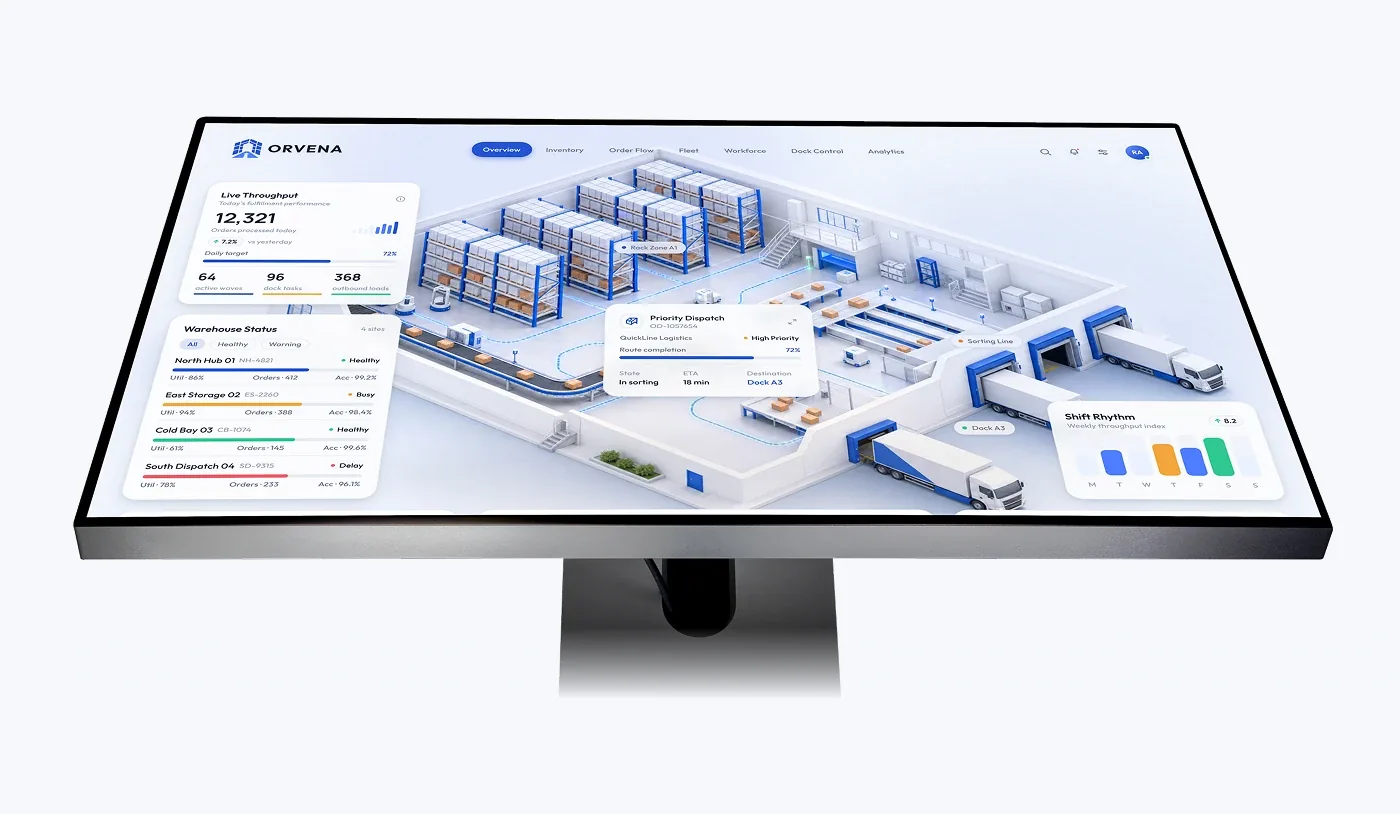

Every business has processes that are too important to leave scattered across spreadsheets, inboxes and disconnected tools. Custom software brings essential information and day-to-day workflows into one clearer experience.
Softmatic works with businesses in Peshawar and across Pakistan to shape software around real operational goals. We start with the problem, define a practical scope and build a system your team can actually use.
Bring data and common tasks together in one manageable workflow.
Plan flexible architecture as your business needs change.
Consider permissions, reliability and support from the beginning.
Different teams need different capabilities. We help define what matters, then design the right software foundation around users, data and practical workflows.
Organize teams, tasks, records and operational processes in one purpose-built management system.
Security-conscious, browser-based tools with tailored features for your team, partners or customers.
Manage inquiries, customer records, requests and updates through structured digital workflows.
Track stock, products, sales and reporting needs with systems shaped around your business.
Reduce repetitive administrative work with connected forms, approvals and automated processes.
Help existing platforms exchange information reliably through suitable APIs and integrations.
Good software makes important tasks easier, keeps information organized and gives the right people a clearer view. The features we recommend depend on your actual workflow.
Give team members appropriate access to the information and actions they need.
Make key tasks, records and operational activity easier to understand at a glance.
Turn relevant business data into useful views that support everyday decisions.
Reduce disconnected work by linking suitable tools, forms and third-party systems.
Plan authentication, permissions and sensible data-handling practices from the outset.
Design responsive web-based interfaces for the devices your team actually uses.
Every feature is scoped according to your business requirements, timeline and budget — not automatically included in every project.
From growing local businesses in Peshawar to multi-location teams across Pakistan, we focus on the way people actually work—not one-size-fits-all software packages.
Stock tracking, sales workflows, supplier records and multi-branch coordination.
Appointment workflows, team administration and carefully scoped record systems.
Admissions, attendance, fee administration and internal communication tools.
Client portals, task tracking, approvals and document organization.
Job allocation, dispatch visibility, inventory workflows and status reporting.
Custom CRM workflows, recurring tasks, internal dashboards and system integrations.
Clear milestones, practical testing and open communication help keep custom software development focused on your goals.
Discuss goals, users, bottlenecks and how the current workflow operates.
Agree on essential features, project scope, priorities and a sensible roadmap.
Plan user journeys, interfaces, data flows and the core architecture.
Develop in stages, review functionality and test the experience with users.
Prepare deployment, provide handover guidance and plan appropriate support.
The right stack depends on the product, integrations, team and long-term maintenance needs. We choose technologies for clarity, scalability and practical support—not because one tool fits every project.
Component-based interfaces for dashboards, portals and interactive web applications.
Modern React architecture for structured, scalable and performance-conscious applications.
A mature PHP framework for business logic, APIs, portals and tailored workflows.
Server-side JavaScript for APIs, integrations and event-driven application features.
Dependable server-side development for custom systems and platform integrations.
Structured relational data storage for operational systems, records and reporting.
Clean interfaces for connecting internal software with external services and applications.
Authentication, permissions, validation and sensible security considerations from the start.
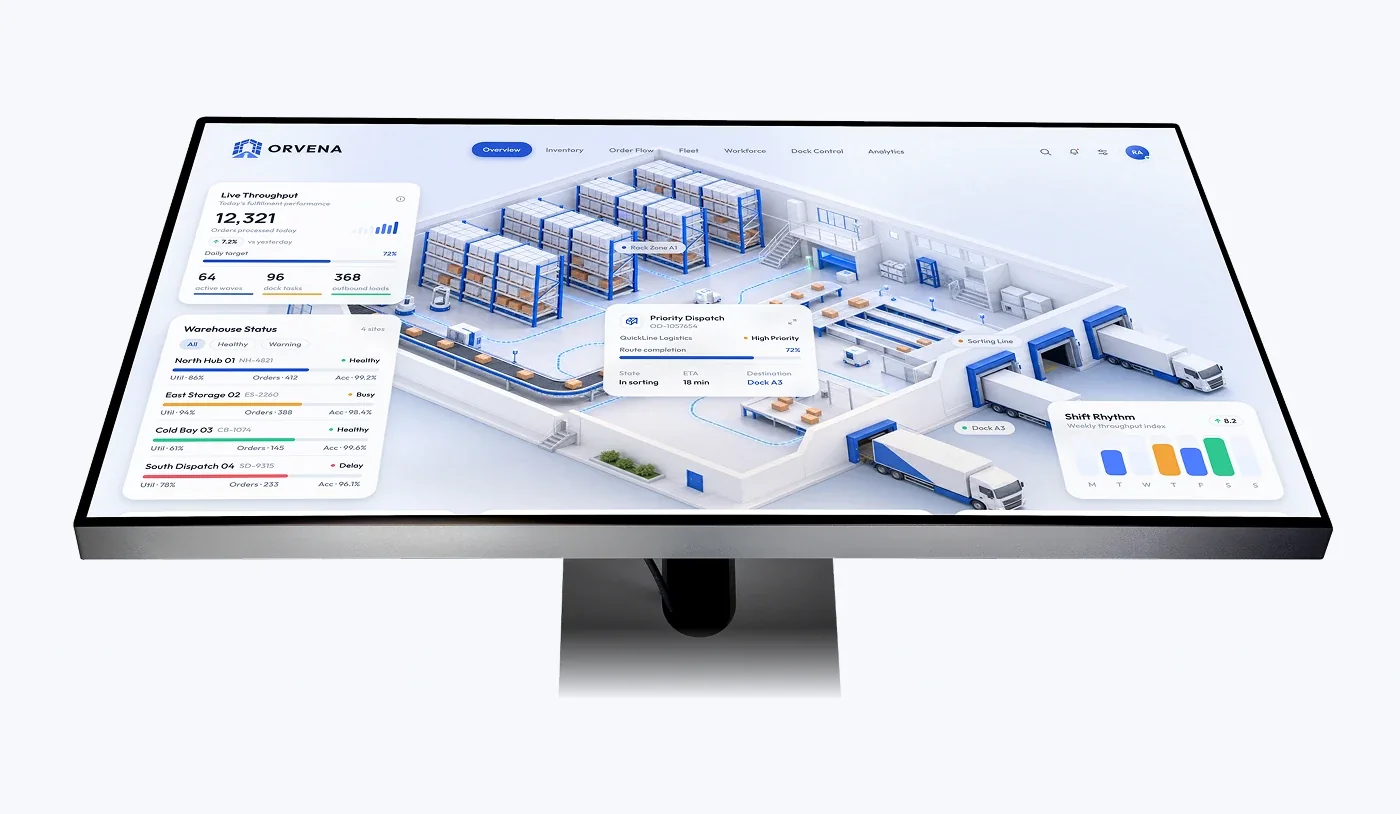
Custom software becomes more useful when it can exchange information with the services around it. We can plan suitable integrations based on provider APIs, access, documentation and your workflow.
Connect payment gateways, checkout flows or commerce platforms where suitable APIs are available.
Trigger useful messages, reminders and internal notifications from system events.
Support location-aware workflows, address data, maps or delivery-related features.
Reduce duplicate data entry by connecting compatible finance, CRM or operations platforms.
Share the right information between public websites, private portals and internal systems.
Design structured connections between your own applications and approved external services.
Integration feasibility depends on the third-party provider, API access, permissions, documentation and commercial plan.
Custom software can make sense when spreadsheets, disconnected tools or rigid off-the-shelf systems start creating friction for your team.
Automate suitable routine steps and keep team attention on work that needs judgment.
Bring relevant records and operational information into a more coherent workflow.
Shape features, roles and screens around the way your organization actually operates.
Plan a maintainable foundation that can be extended when priorities and operations change.
Security is part of the software design process—not an afterthought. The right controls depend on the system, users, data sensitivity, integrations and hosting environment.
Plan sign-in, user roles and access levels around who should see or change specific information.
Structure data access, storage and processing with the sensitivity and purpose of the information in mind.
Validate inputs, control application behavior and follow sensible development practices throughout the build.
Consider backup routines, restore procedures and recovery expectations based on the hosting setup and business needs.
Use encrypted connections and suitable configuration when the application communicates across the web or with APIs.
Keep software, dependencies and infrastructure reviewed so issues can be identified and addressed over time.

Launching is only one stage of a software product. As teams use the system, requirements change, browsers and dependencies evolve, integrations are updated and new priorities appear.
Softmatic can support suitable post-launch work with an agreed scope—helping businesses plan fixes, improvements, updates and future feature releases.
Investigate reported bugs and resolve verified application issues within the agreed support scope.
Review relevant framework, dependency, integration or hosting changes that may affect the system.
Plan useful refinements and new features based on real user feedback and changing business needs.
Review practical performance concerns and improve areas that can be optimized responsibly.
We keep the focus on the business problem, user needs and a maintainable technical direction. The goal is useful software—not unnecessary complexity.
We start by understanding workflows, users and priorities before deciding how the system should be built.
Software is designed for the people who will use it, with straightforward screens and practical interactions.
We favor structured implementation and sensible technical decisions that are easier to support and extend.
Access, validation, data handling and operational risks are considered as part of the development process.
Features and architecture can be planned with future improvements, integrations and evolving workflows in mind.
Keep requirements, decisions, feedback and next steps clear throughout the project lifecycle.
Custom software should support clearer operations, better visibility and less unnecessary manual work. We define practical outcomes around the workflow rather than promising invented percentages.
Bring useful business information into clearer dashboards and reports so teams can make informed decisions.
Standardize repeated workflows and reduce confusion caused by scattered spreadsheets, chats and manual handoffs.
Identify repeatable tasks that can be simplified or automated so teams can focus on higher-value work.
Use roles, permissions and activity-aware workflows to make responsibilities and access clearer.
Clear answers about software scope, cost, ownership, integrations and project delivery.
We can plan and develop suitable business management systems, web applications, CRM-style portals, inventory tools, workflow systems, dashboards and integrations depending on the project requirements.
Cost depends on the scope, users, workflows, integrations, design requirements and technical complexity. We prefer to understand the requirements first and then provide a project estimate.
Timelines vary by scope. A focused internal tool may take much less time than a multi-role platform with integrations, reporting and complex workflows. We define phases after discovery.
In some cases, yes. We first review the existing technology, code quality, access, documentation and technical constraints before recommending an extension, rebuild or integration approach.
Web-based software can be designed responsively for desktop, tablet and mobile use where that fits the workflow and user requirements.
Yes, where a suitable API or integration method is available. Examples can include payments, email, SMS, maps, accounting tools and other business services.
Ownership and licensing should be defined clearly in the project agreement. We recommend documenting code, credentials, third-party licenses and handover terms before development begins.
Yes, suitable maintenance, issue resolution, updates and future improvements can be handled under an agreed post-launch support scope.
Yes. Softmatic works with businesses in Peshawar and across Pakistan, and we can also consider suitable projects for clients in other locations.
Start with a consultation. Share the business problem, current workflow, users and desired outcome. We can then help define the requirements and recommend the next practical step.
Explain your current workflow, pain points and the features your team would find useful.
Let’s define a practical starting scope.